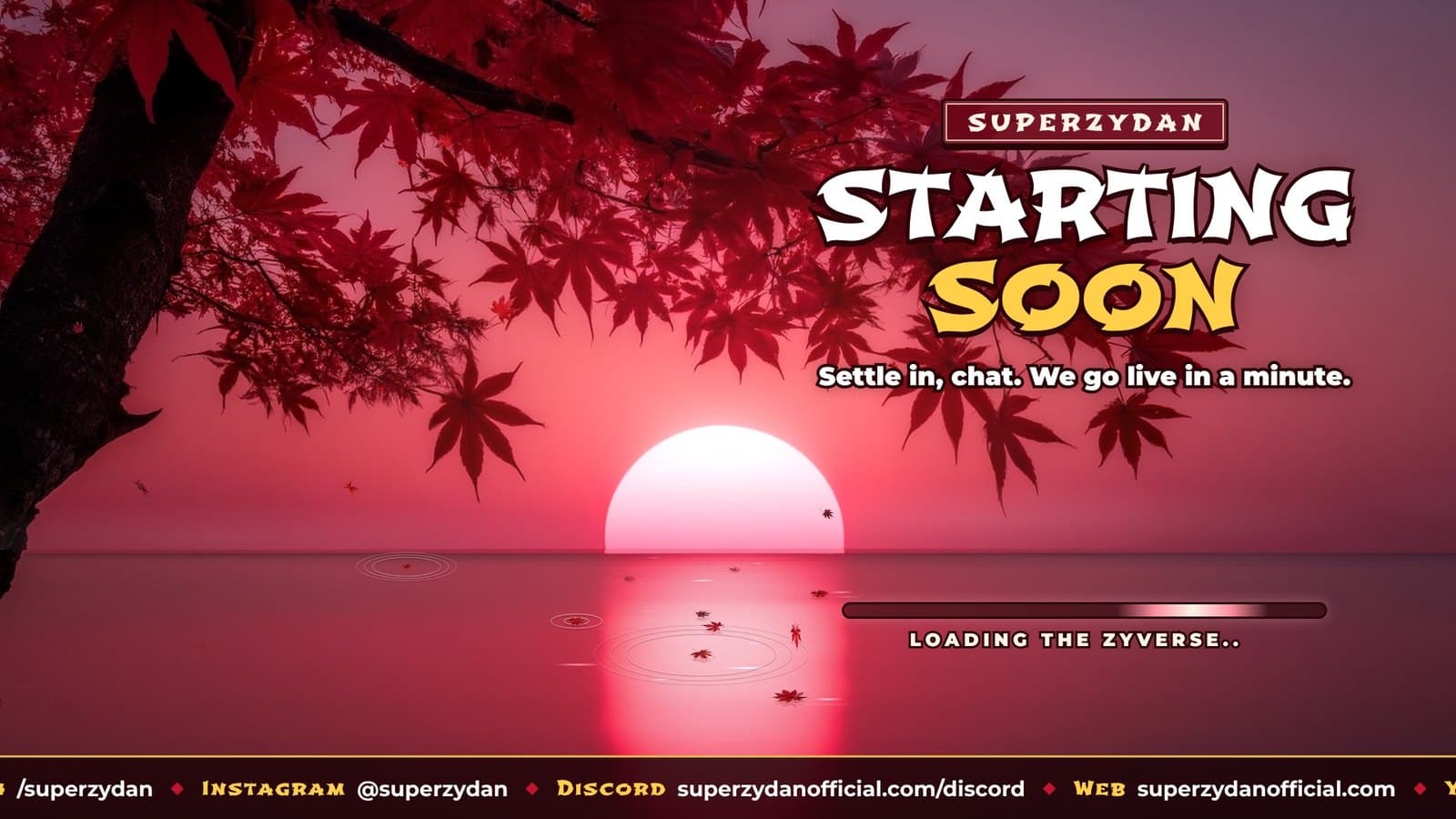
How I Built My Stream Scenes With AI (and Why My First Maple Version Looked Like a Cartoon)
Build logBy SuperZydan5 min read
- Streaming
- Claude
- ComfyUI
- Streamlabs
Part of Stream Scenes: Crimson Maple
My Streamlabs scenes were a template pack called Soft Blue. It worked, but it was not mine. I wanted Starting Soon, Be Right Back and Stream Ending screens that loop perfectly, a transition between scenes, and versions for my vertical stream too. So I built them with Claude, and this is how it went, including the parts that did not work the first time.
Round 1: three looks in my brand colors
The first pass used my brand look: Lilita One and Montserrat, white text with a thick black outline, yellow and purple accents. Claude made three different styles so I could compare them side by side: Zyverse Neon, Retro Arcade and Comic Pop.
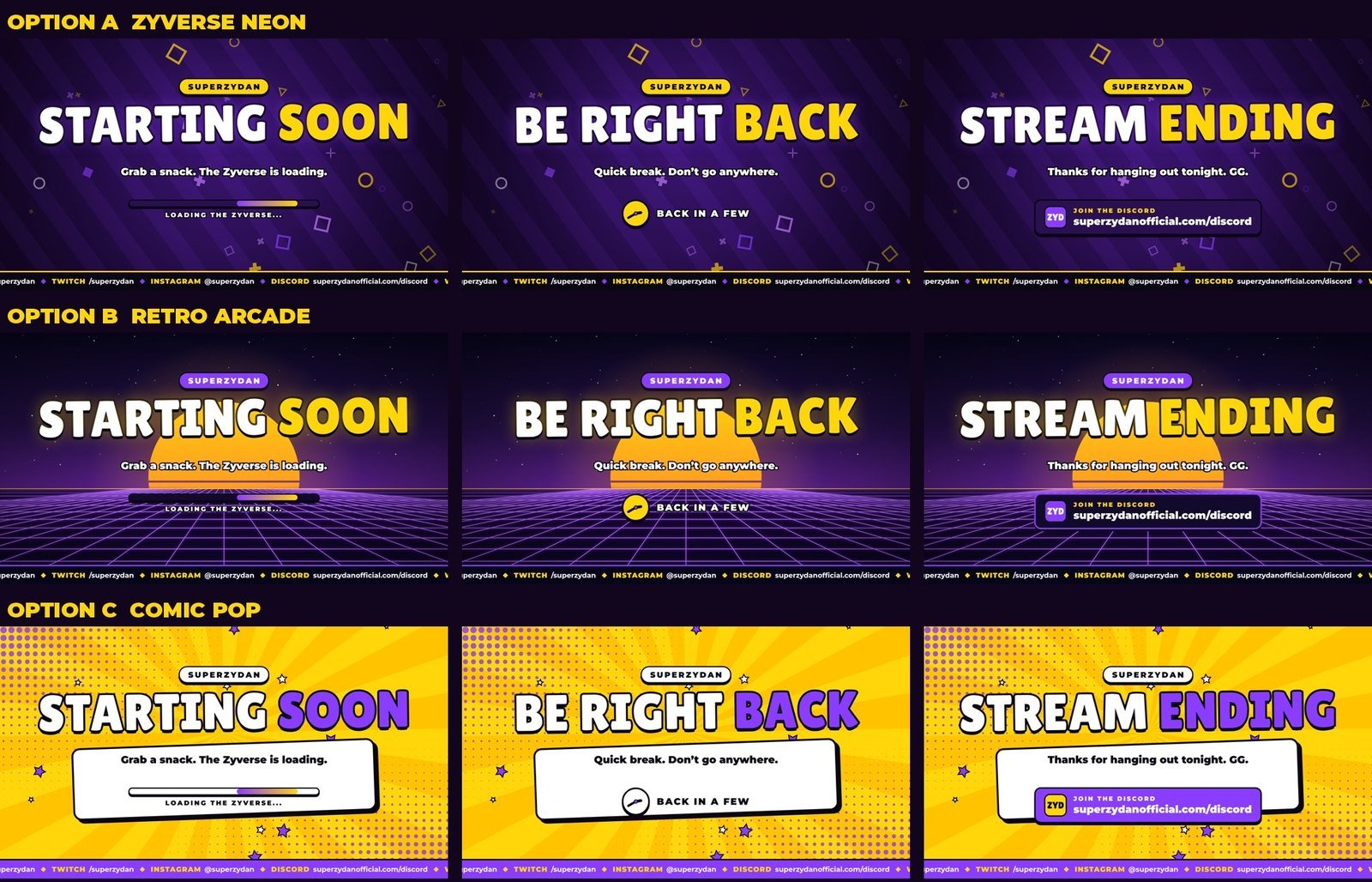 The three classic options
The trick that makes these loop with no jump is that every moving piece is math based on time. Every shape, the scrolling ticker with my socials and the rotating subtitles all finish exactly one full cycle in 15 seconds, so the last frame flows straight back into the first. No crossfade, no hitch.
Each look also got a stinger, the short animation that covers the screen while the scene switches behind it.
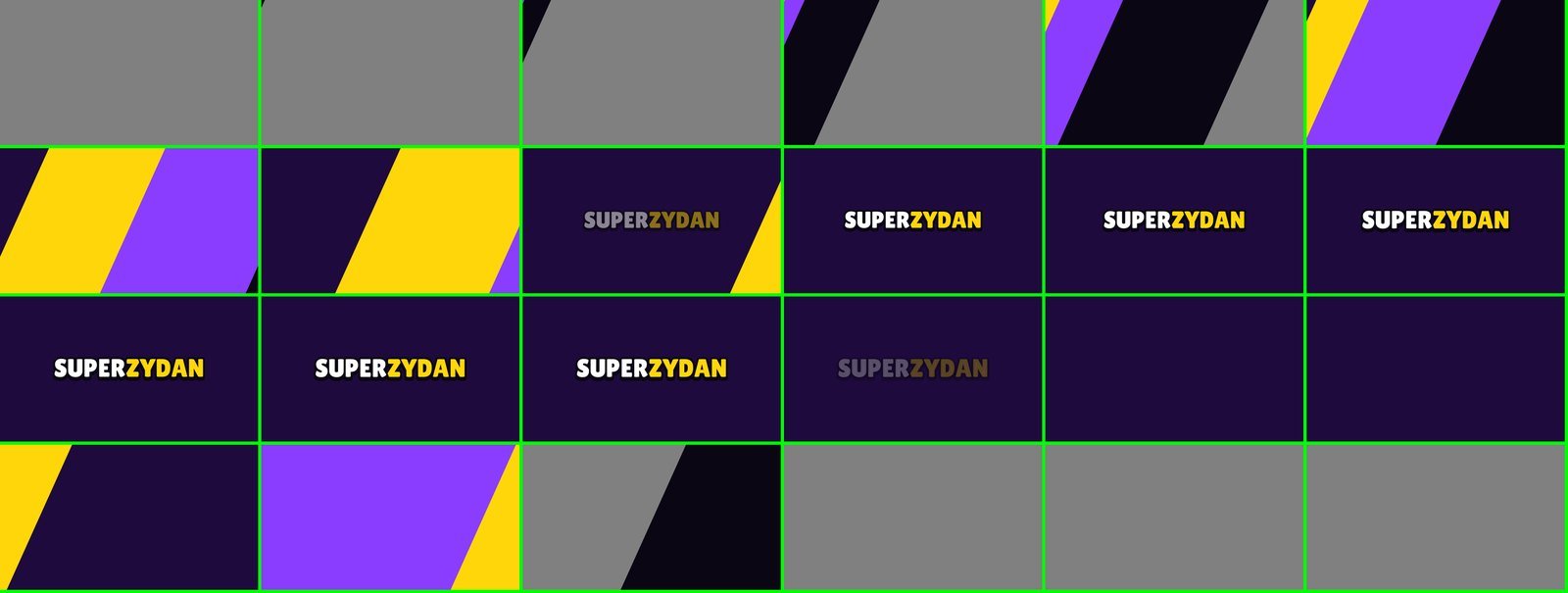 Stinger frames, start to finish (swipe to see it all)
Round 2: I wanted something different
Then I found a photo of red Japanese maple leaves over a sunset lake and wanted a whole pack built around that feeling: leaves falling slowly, landing on the water, ripples in the reflection.
The first try was drawn completely in code. Every leaf, branch and ripple was a shape Claude programmed. It moved nicely, but honestly it looked like a cartoon. It also had Japanese text on the tags, which I didn't want.
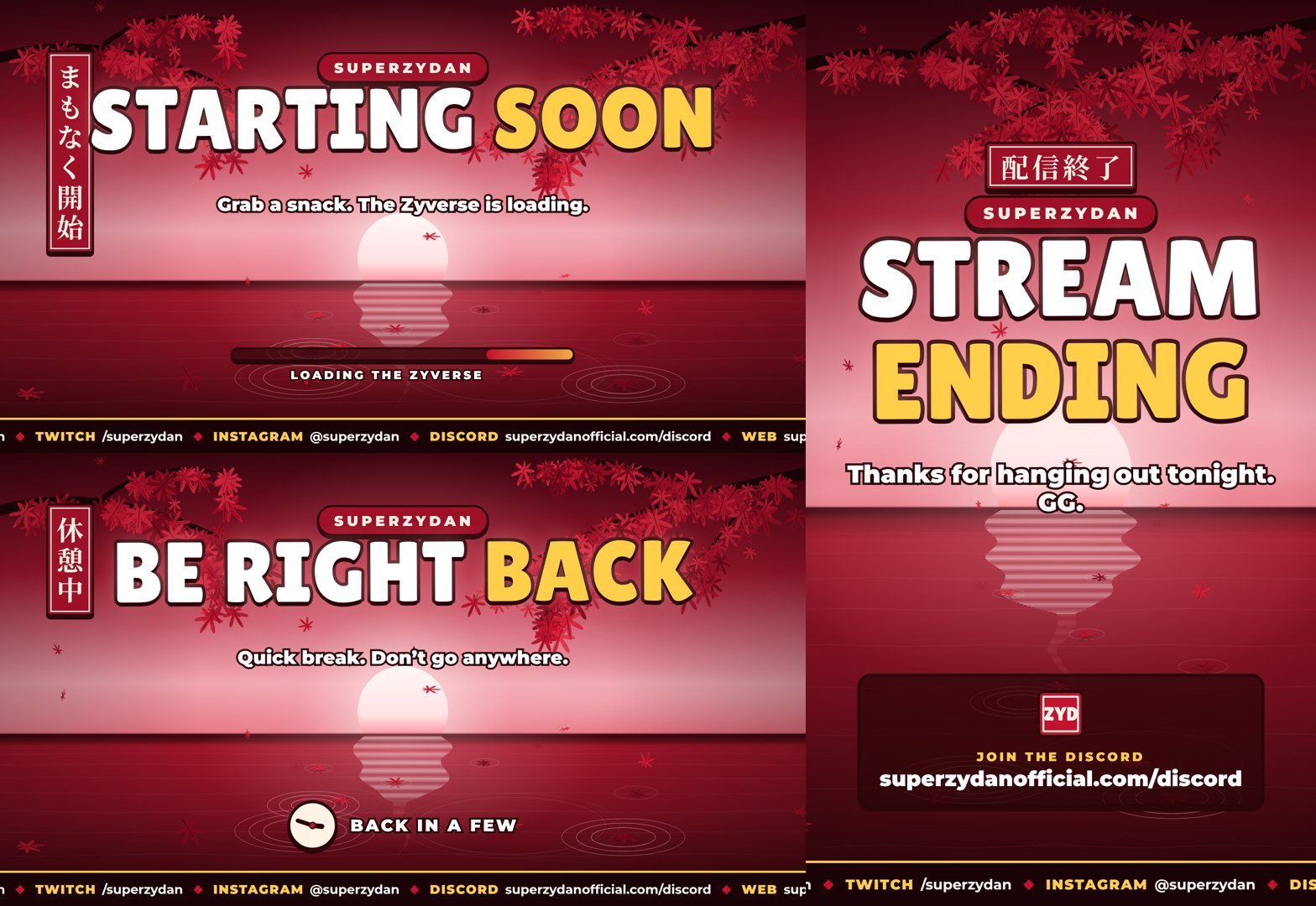 First maple attempt, drawn in code
Code can't fake a real photo, so we switched approaches.
Round 3: real images from my own PC
Claude wrote the prompts, and my other Claude Code session (the one that runs my video editor) generated the images in ComfyUI on my 4090 using Chroma, an open model with an Apache 2.0 license. That license matters because these go on a monetized stream. It made backgrounds in 16:9 and vertical, plus single maple leaves, branches and a trunk on black backgrounds that it cut out into transparent PNGs.
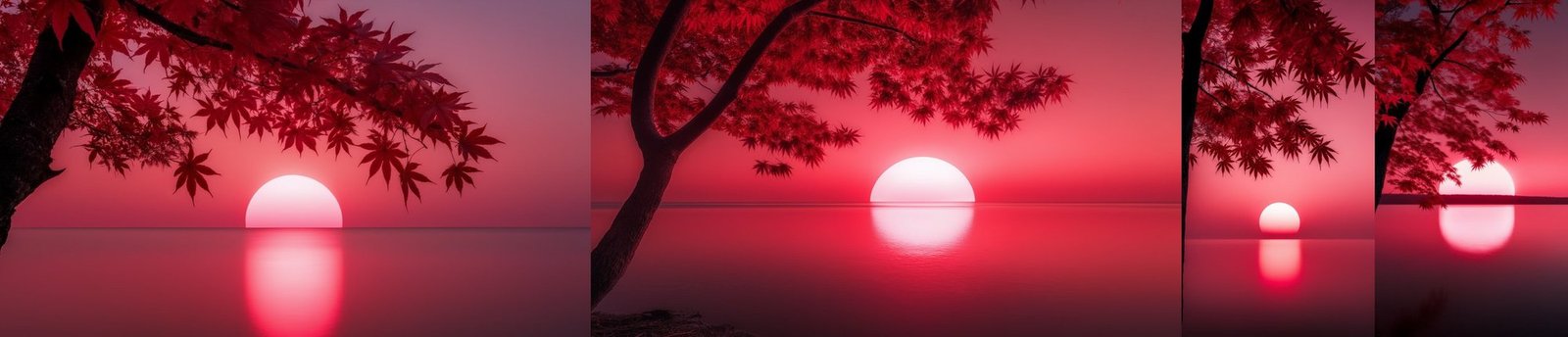 Generated backgrounds (swipe to see it all)
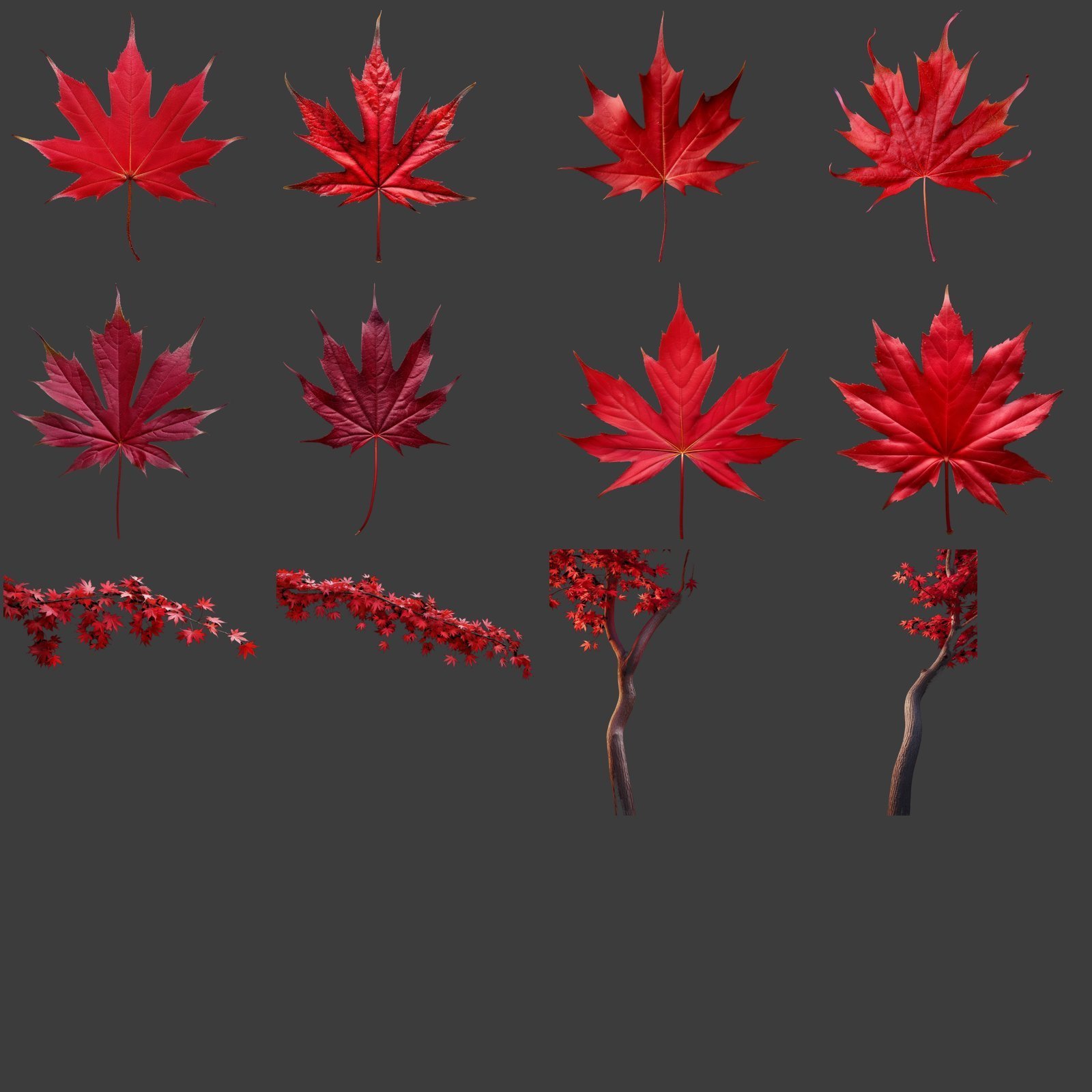 Leaf, branch and trunk cutouts
I was not home when they finished, so my PC pushed the picks to a private GitHub repo and Claude pulled them from there. Then the real work started:
- The water below the horizon gets redrawn in thin strips that shift with a moving wave, so the sun's reflection ripples and breaks up like real water.
- Small sparkles flicker on the reflection, and mist drifts along the horizon.
- The leaves are the real cutouts. They fall from the tree, land on the water with ripple rings, float for a bit, then fade out.
- Titles are in Shojumaru, a Japanese style font, in English only.
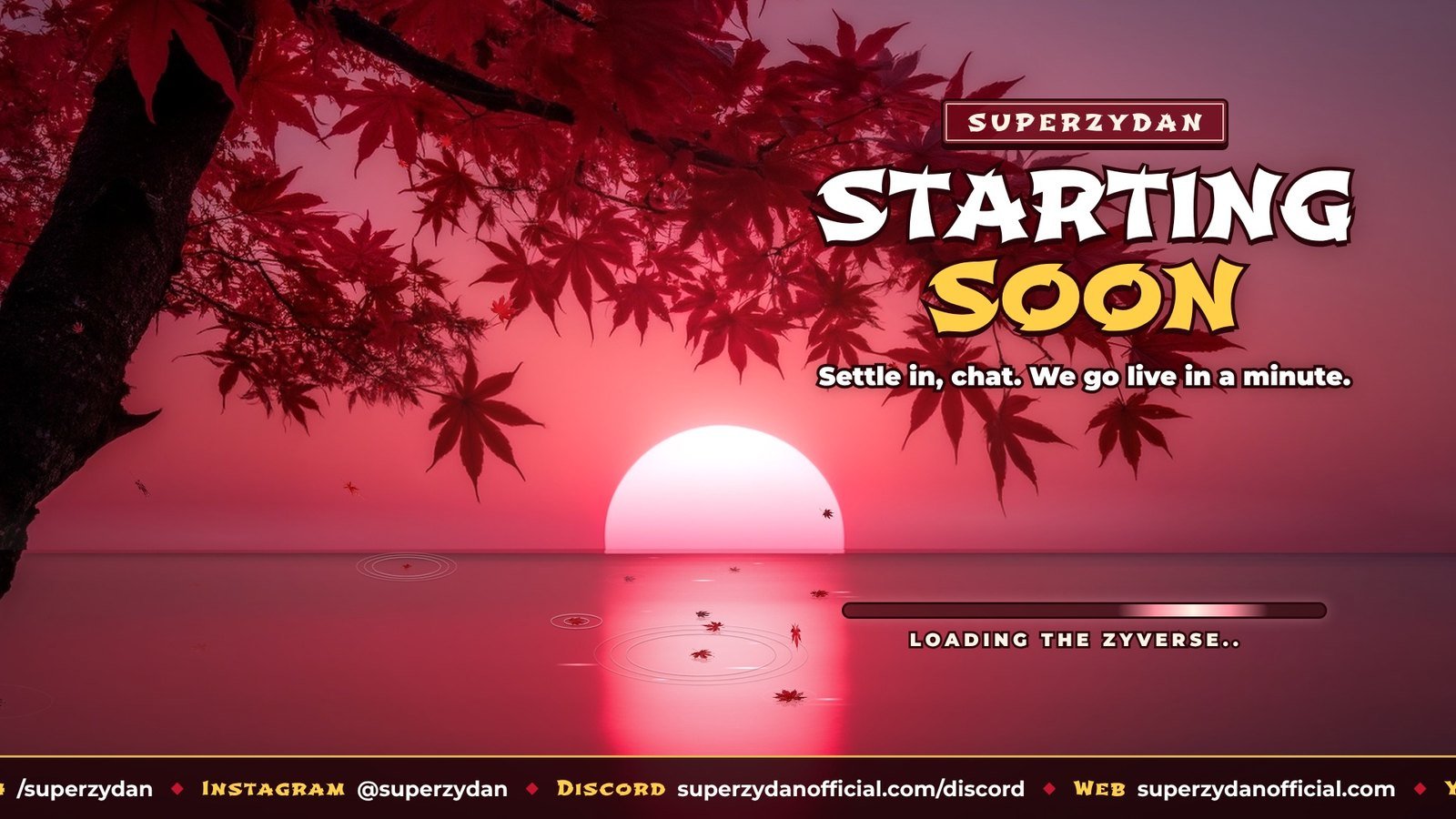 Final Starting Soon
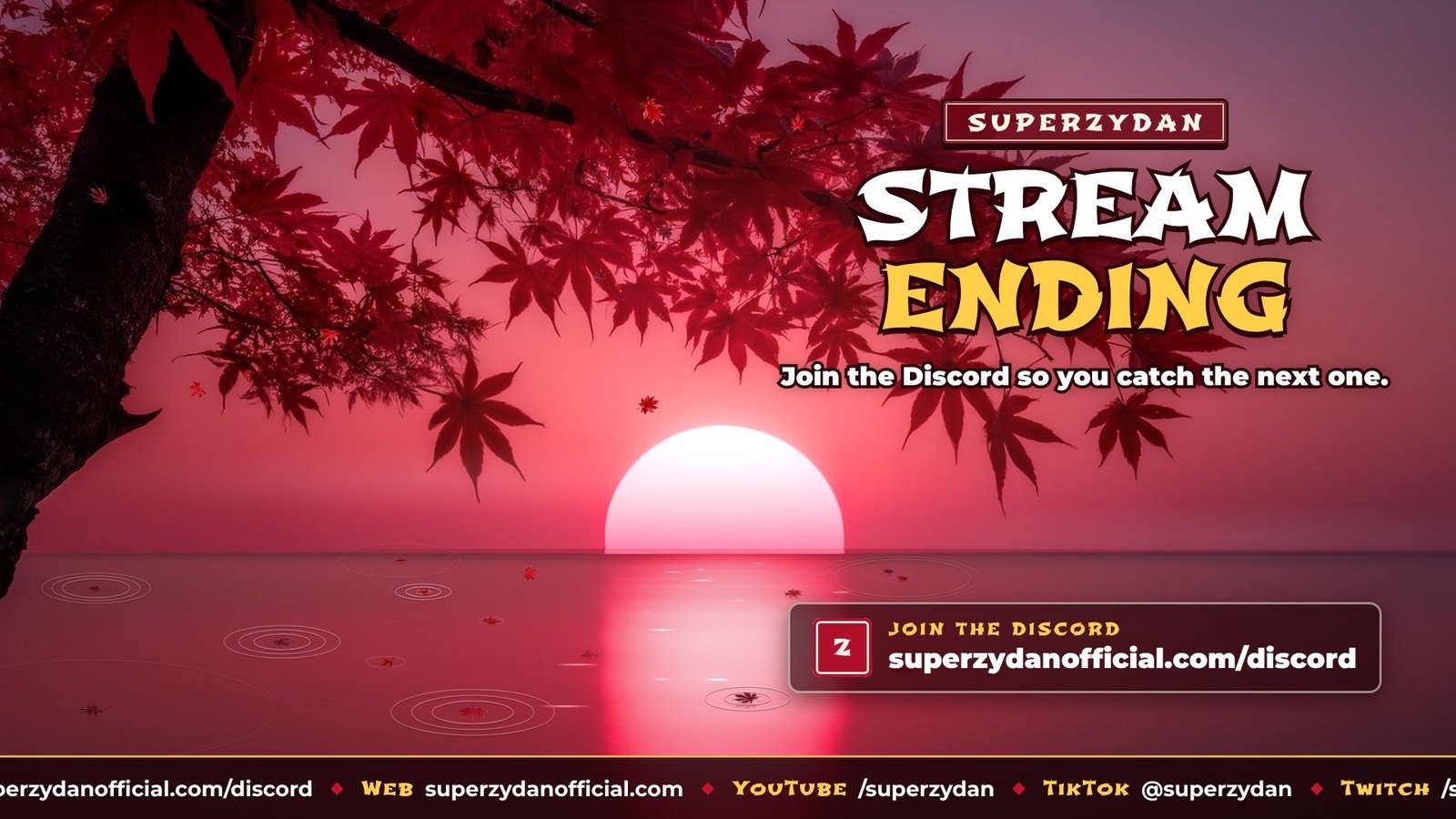 Final Stream Ending
Every scene also has a vertical version for my mobile stream.
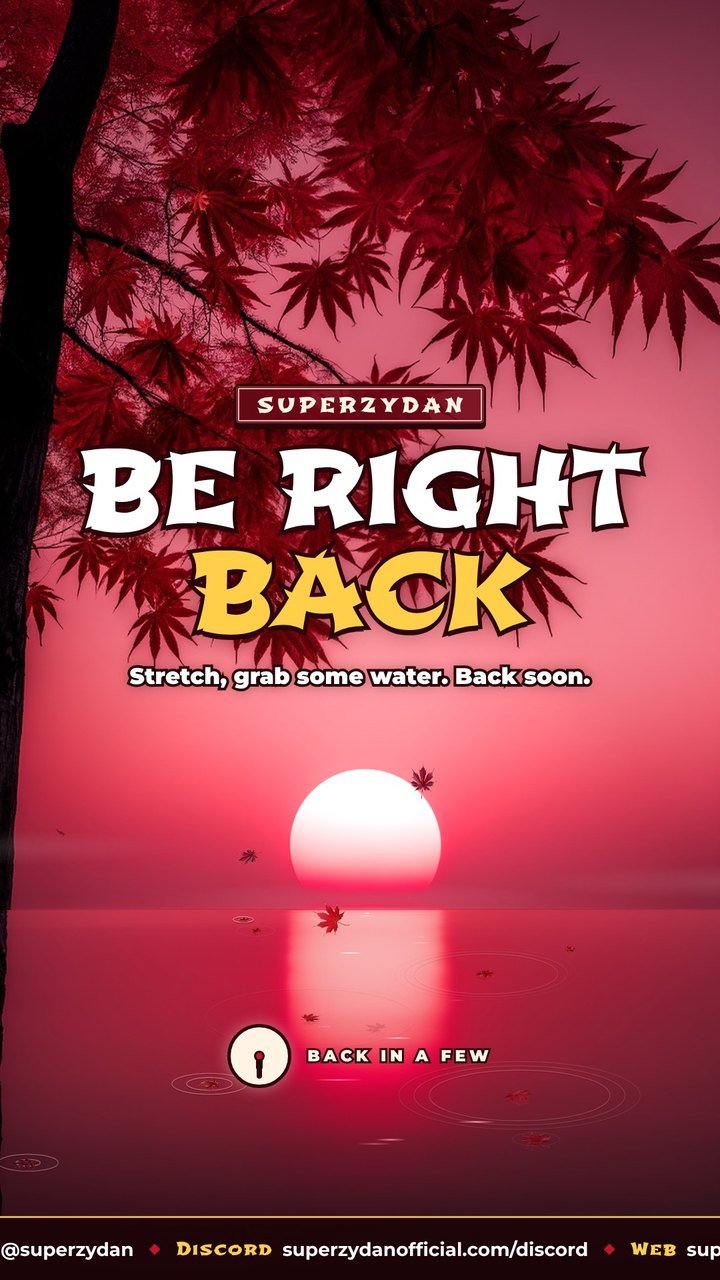 Vertical BRB
The cam overlay: version 1 missed the point
I asked for a cam frame with a maple tree growing over it. Version 1 put the tree outside the box, which looked cool but would cover up other parts of my stream. What I actually wanted was everything inside the frame: the trunk just peeking in on the left, branches across the top, leaves falling over the cam.
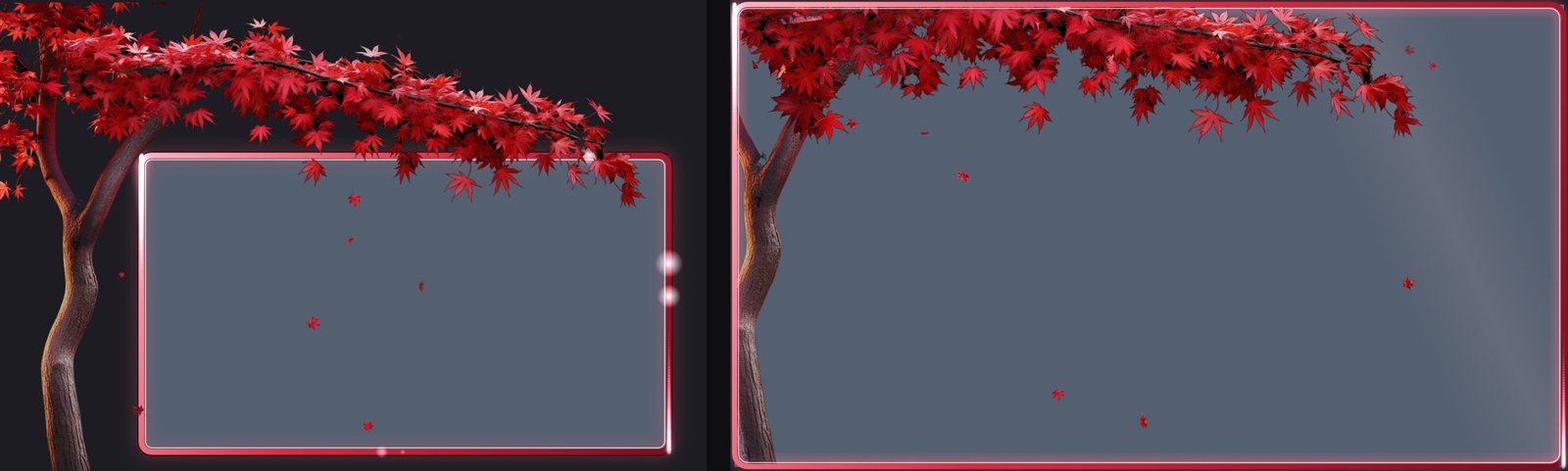 Cam overlay before and after (swipe to see it all)
Version 2 is a transparent video the exact size of the cam, with a light that runs around the border and a soft beam that drifts through.
The stinger problem nobody tells you about
I stream horizontal and vertical at the same time with Streamlabs Dual Output, and as far as I could find, you get one transition for both. A 16:9 stinger gets squished into the vertical canvas, so my name looked crushed. There is no way to make one file look perfect on both, so we went with the closest compromise: a square stinger with SUPER stacked over ZYDAN. Stretching it either way only distorts it a little, and the name still reads.
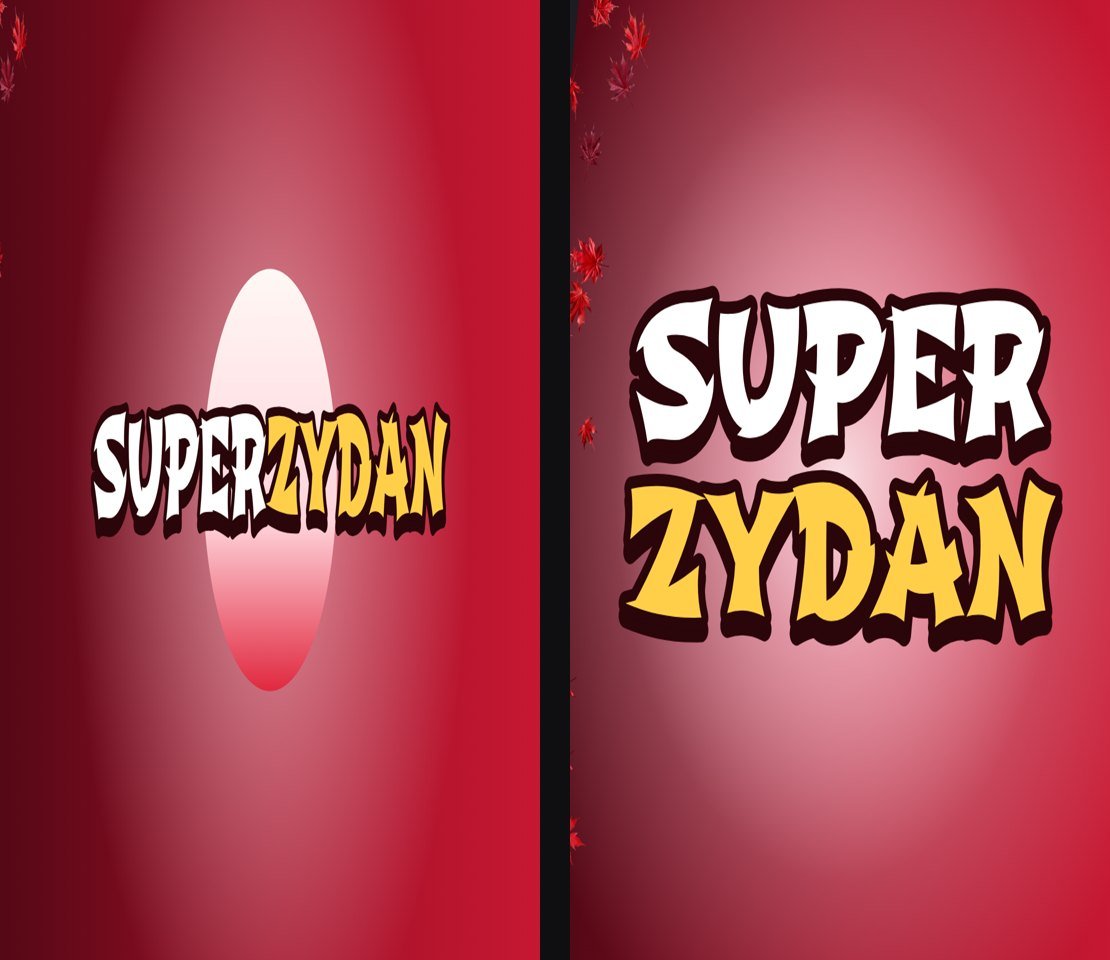 16:9 stinger squished vs the universal version
I also slowed it down to 2 seconds because the first one felt too fast.
Last add-on: a gameplay window on BRB
When I step away, I want people to have something to watch. The BRB screen now has a version with a frame in the corner where the inside is actually see-through, so the gameplay sits behind it and the border covers the edges. The checkerboard here is where the gameplay shows through.
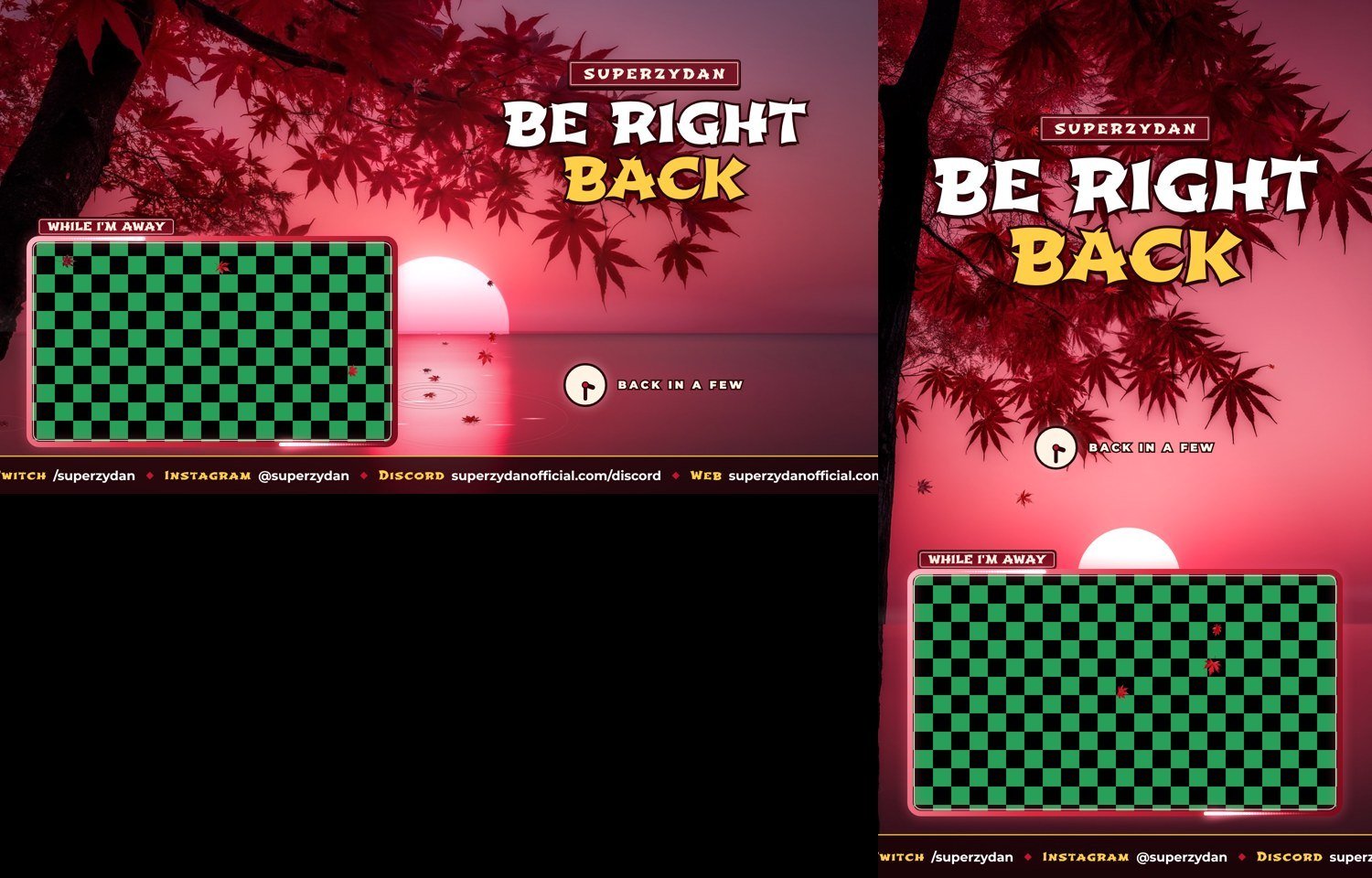 BRB with a see-through gameplay window
What I learned
- Code is great for motion and perfect loops. Real looking art needs real images.
- Check the license of whatever AI model makes your images if you stream for money.
- Transparent video (WebM) is what makes overlays and windows work. MP4 can't do see-through.
- One stinger has to serve both horizontal and vertical, so design it for both from the start.
- Say exactly what you want. "Tree over the cam" and "tree inside the cam frame" are two very different builds.
Everything here was made with free tools besides my Claude plan: Claude, ComfyUI, Chroma, Streamlabs, and some open source video tools. If you want to see it live, catch me on Twitch or YouTube, and come hang out in the Discord at superzydanofficial.com/discord.