SCUF Envision Pro vs Xbox Controller: Is the Premium PC Controller Worth It?
ReviewBy SuperZydan3 min read
Bought it myselfI bought this controller myself. It's not sponsored.
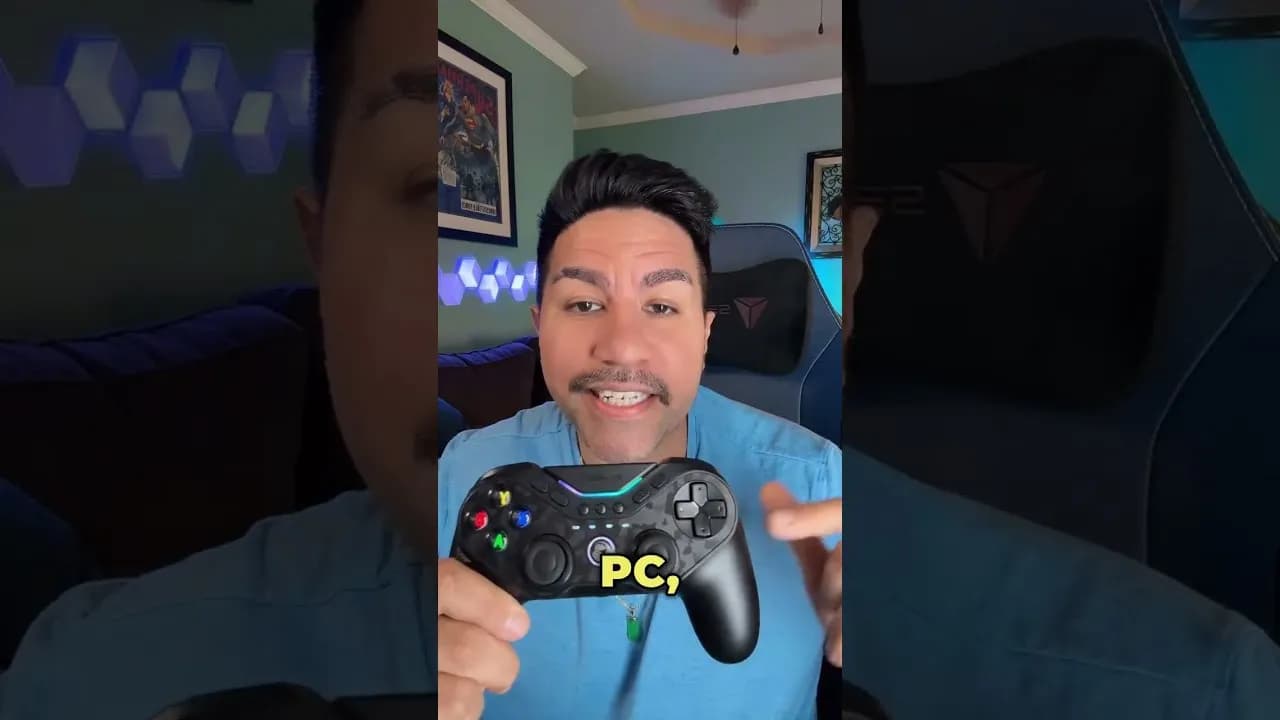
Look what came in today: the SCUF Envision Pro I custom built. I unboxed it, compared it to the design I ordered, and put it side by side with my regular Xbox controller.
Unboxing
The box is premium, with hexagons all over it. The first thing you see inside says to download the software first, so I did that before anything else.
The controller feels heavy and premium, and the orange around the thumbsticks and the orange buttons came out exactly like I designed it.
In the box:
- A USB receiver. This is a big one for me. My wireless Xbox controller had a lot of latency, where I'd push a button and nothing would happen. The receiver should make it feel like it's plugged in.
- Extra buttons to replace the side and back buttons, if you'd rather have a more standard feel. I don't think I'll use those.
- A charger, and it's a premium-looking one.
SCUF vs Xbox
- Weight and grip: the SCUF is so much heavier and feels so much better. The Xbox controller has a plasticky texture. The SCUF has more of a rubbery feel with really good grip on the back.
- Triggers: the recoil on the SCUF triggers is crazy, so much better. There's an adjustment on the back for FPS games. Flip it and the trigger stops short and clicks like a mouse button.
- Face buttons: so much better, almost like a tactile switch on a keyboard.
- D-pad: a huge difference. It feels like clicking a keyboard key with really good switches.
- Thumbsticks: about the same sound, but they feel tighter and move smoother.
- Bumpers and top buttons: a big improvement.
- Battery: I have to replace the batteries in my Xbox controller all the time. The SCUF charges over USB-C, and you can plug it in and keep playing.
- Extra buttons: five programmable buttons along the bottom that can do anything your computer can, like mute and unmute, plus back buttons and side buttons.
What I liked
- Heavy, premium feel with a grippy back
- Trigger stops for FPS games
- Clicky buttons and d-pad
- USB-C charging instead of batteries
- The custom build matched my design exactly
Heads up
- It's PC only.
- You need to install SCUF's software before you set it up.
- It costs a lot more than a standard Xbox controller.
Key specs
From what I show in the video:
- Wireless with a USB receiver, or wired over USB-C
- Rechargeable battery with a charger in the box
- Adjustable trigger stops
- Five programmable G-keys, plus back and side buttons
- Replacement covers for the side and back buttons
Who it's for
PC players who are tired of latency and batteries and want extra buttons. If you play casually, the standard Xbox controller still does the job for a lot less.
My take
This thing is amazing. They did a great job matching my design, and every button feels better than my Xbox controller. I'll come back with how it plays once I've put real game time into it.
Products in this video
Some of these are affiliate links. If you buy through them I may earn a small commission at no extra cost to you. As an Amazon Associate I earn from qualifying purchases.
- Check price on Amazon
SCUF Envision Pro Wireless PC Gaming Controller
The controller from the video. Mine is a custom build from SCUF.
Other options to look at
- Check on Amazon
Xbox Wireless Controller
I've tested thisThe standard controller I compared it against. A lot cheaper, with no back buttons or trigger stops.
- Check on Amazon
Razer Wolverine V3 Pro
Haven't tested itAnother premium wireless pro controller with extra buttons, licensed for Xbox and PC.
- Check on Amazon
GameSir Cyclone 2 Wireless Controller
I've tested thisA GameSir controller I reviewed. TMR sticks and a 1000Hz polling rate for a lot less money.